Exporting your product list
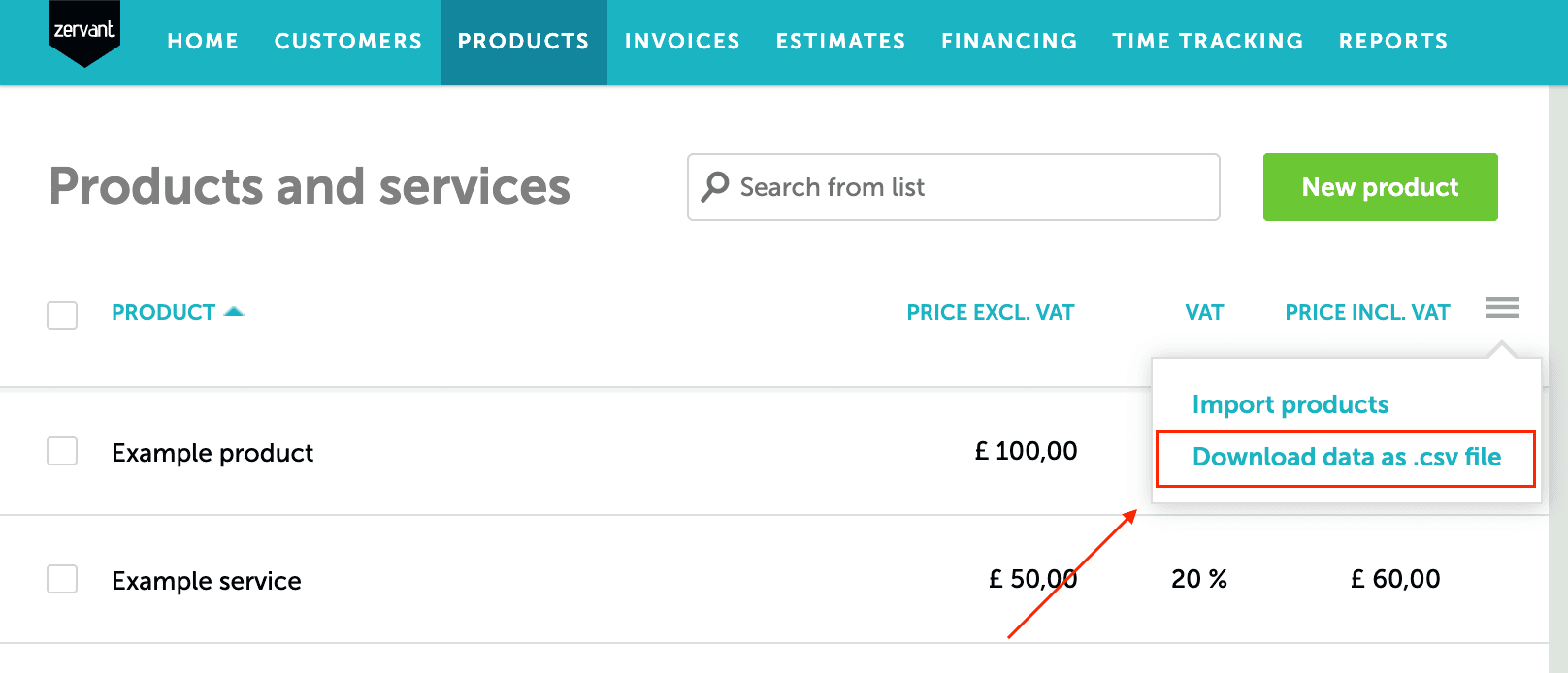
1. Go to the tab >Products and click on the >three horizontal lines
2. Select >Download data as .csv file from the drop-down list
3. The download will start right after the selection.
Read more about managing your products/services here.
Click here to find out how to import multiple products/services.
